Describe it.
We build it.
It's live.
Tell Zylo what you want. Our AI builds your app inside Phoenix, a dedicated development sandbox. When you publish, Zylo deploys it to Vercel.
Describe
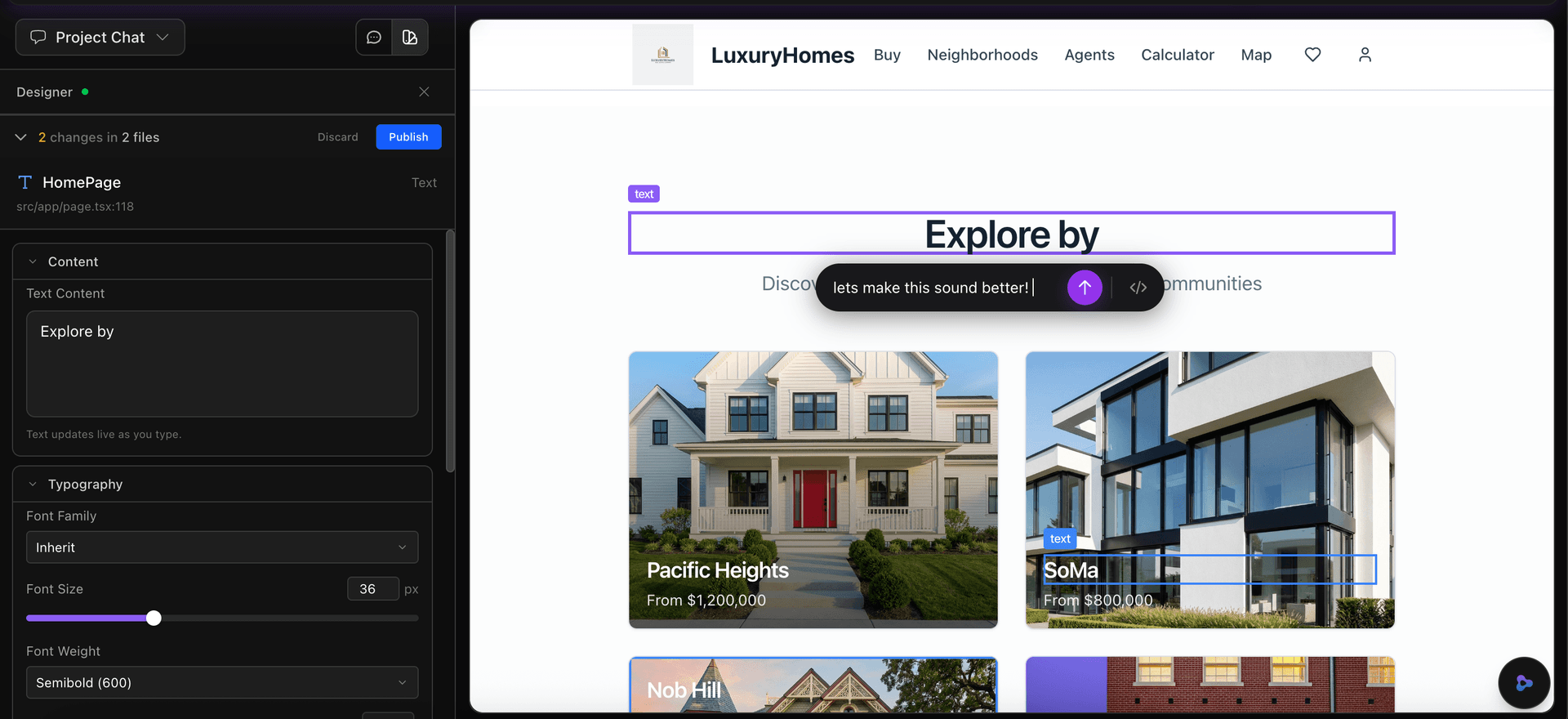
Tell us what you want to build
Just describe your app in plain English. A real estate site, a SaaS dashboard, an e-commerce store — whatever you need. You can attach images, reference designs, or just explain the idea.
- Natural language — no technical jargon required
- Attach reference images or design mockups
- Iterate through conversation to refine your vision
Build
Phoenix builds your app
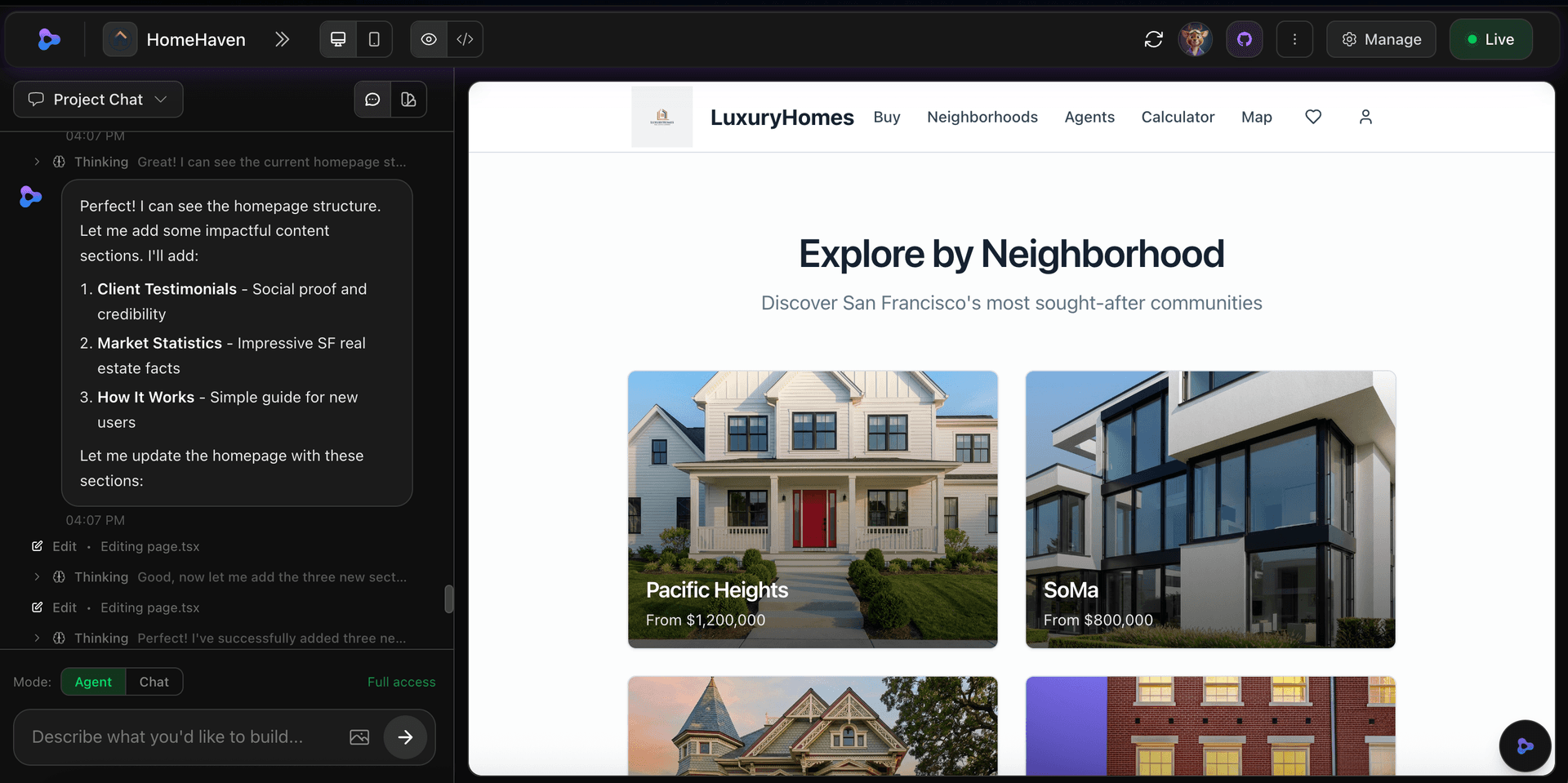
Phoenix is our dedicated development sandbox — a powerful VM that spins up just for your project. It plans the architecture, writes the code, installs dependencies, and tests everything. If a build fails, it automatically diagnoses and repairs the issue.
- Dedicated VM per project — your own build environment
- 3-phase AI pipeline: Plan, Build, Deploy
- Auto-repair — fixes build errors automatically
- You can watch it work in real-time
Deploy
It just works
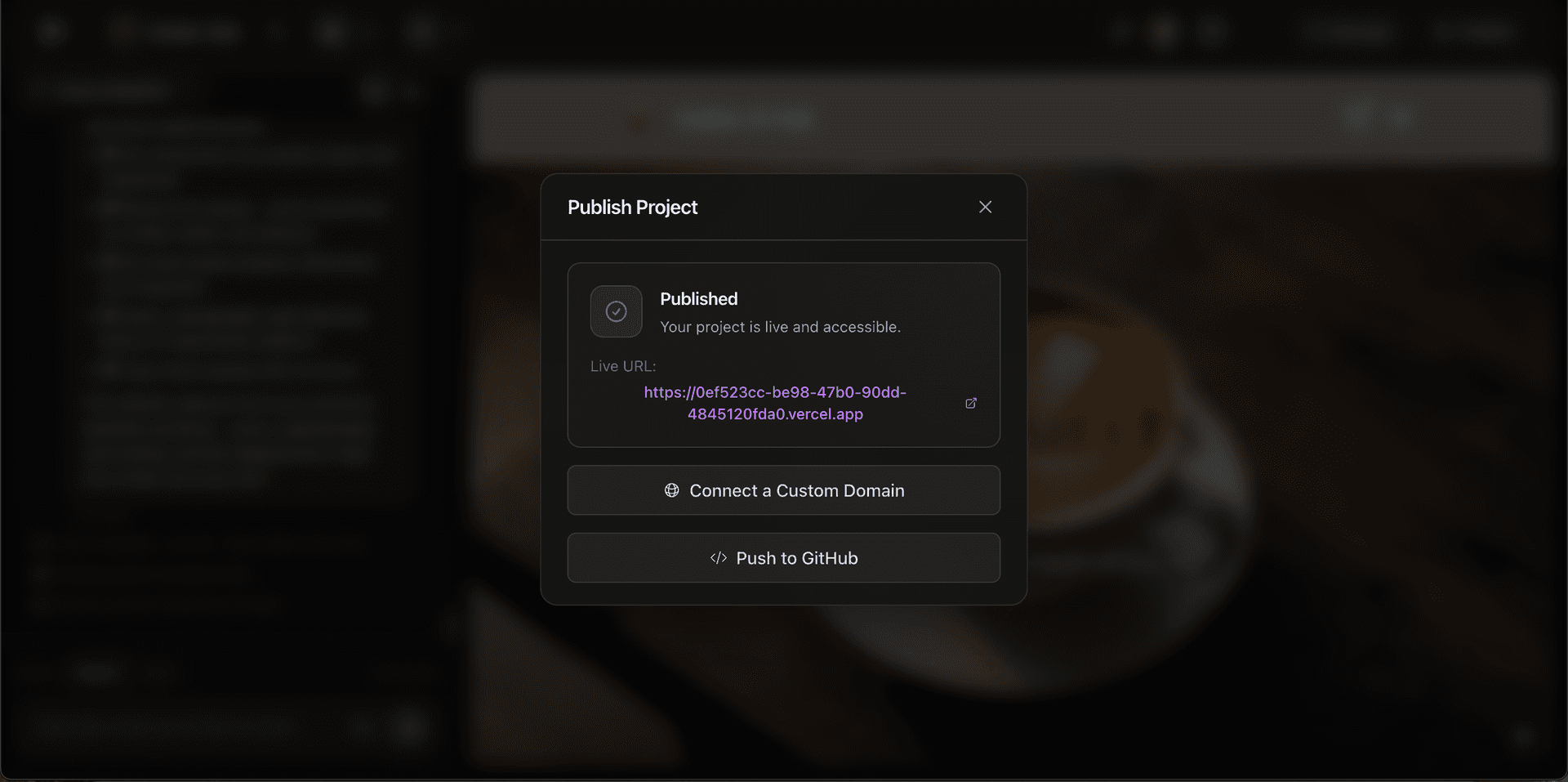
When Phoenix finishes building and you publish, Zylo deploys your app to Vercel. You get a live URL with SSL. No Dockerfiles, no CI/CD, no config.
- Auto-deployed — no manual steps required
- Live URL with SSL certificates out of the box
- Push to GitHub with one click
Go Further
Build complex apps your way
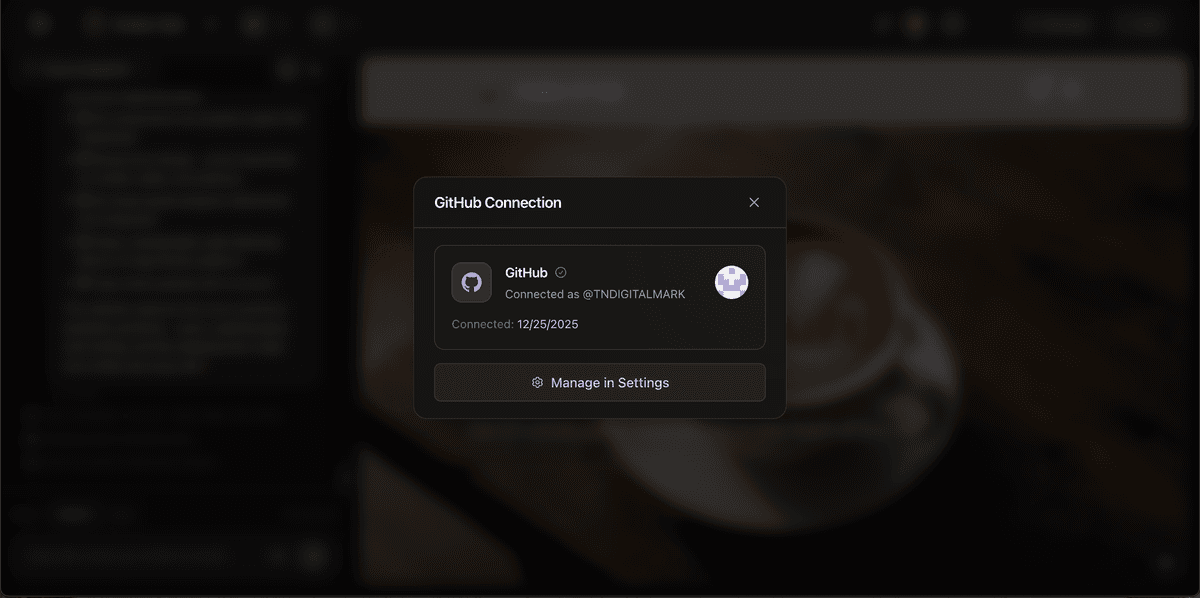
Connect your own GitHub repos, manage encrypted environment variables, and integrate third-party services.
Connect GitHub
Link your own GitHub repos to containers. Mix AI-generated code with your existing codebase in the same project.
Secrets & Integrations
Manage encrypted environment variables. Enable integrations like Stripe with one click.
The workflow, start to finish
Every layer that makes it happen
When you describe an app and hit build, here's exactly what runs, from the studio you see all the way to your live app. Each step hands off to the next, automatically.
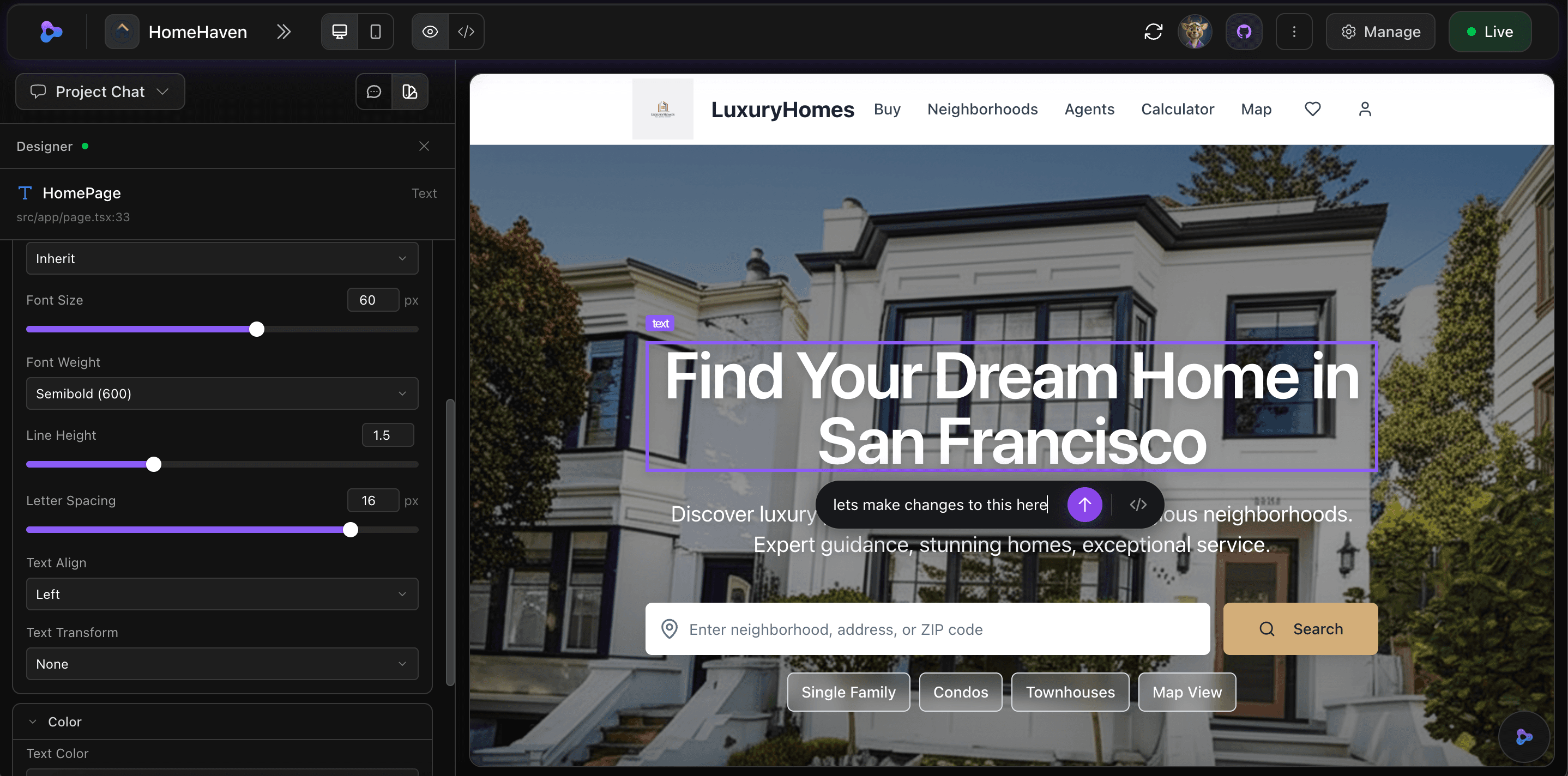
You describe it in Zylo Studio
Tell the AI what you want — chat, attach images, iterate. The studio is your interface to everything.
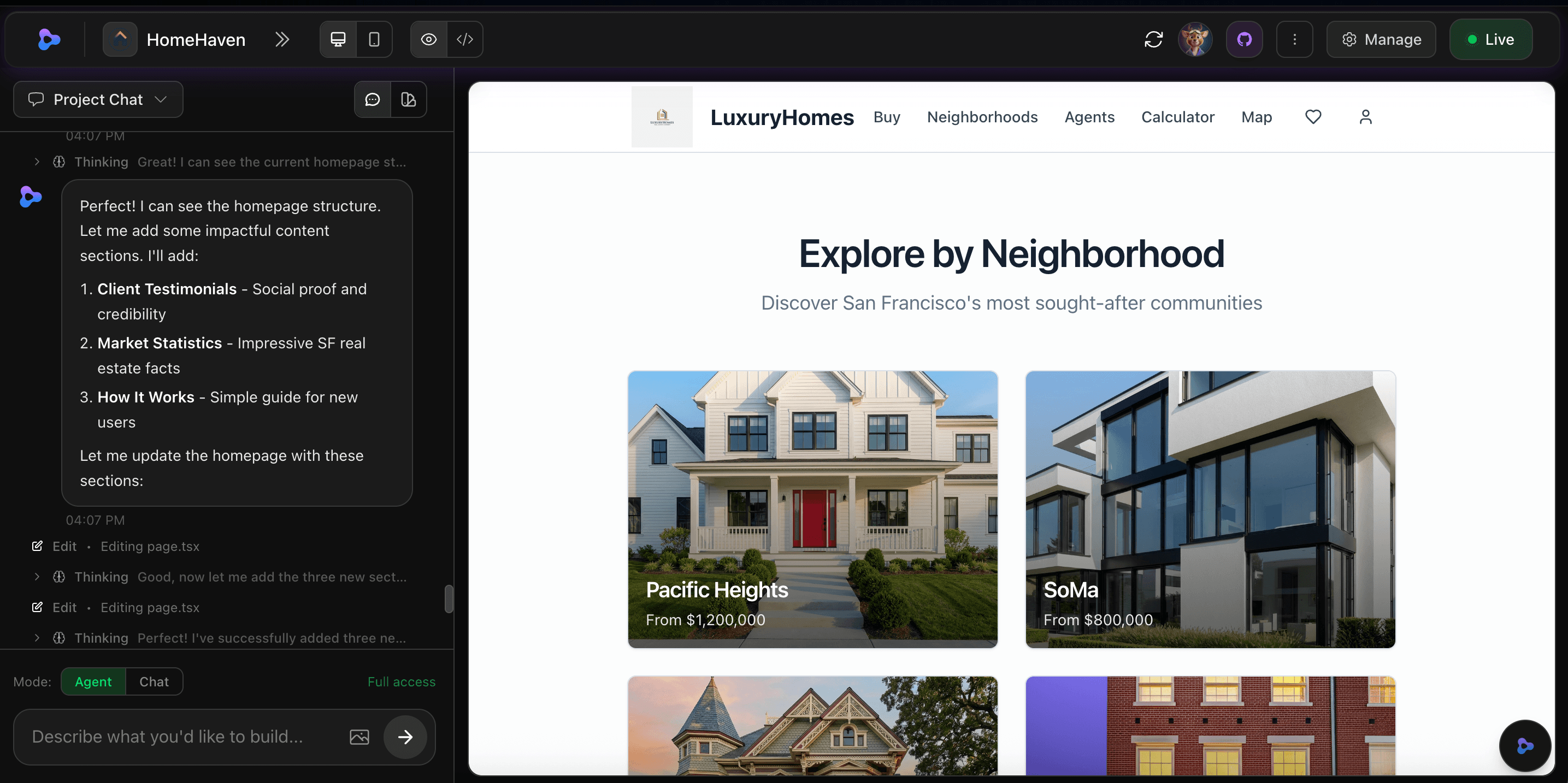
Phoenix builds it
A dedicated sandbox VM spins up, plans the architecture, writes code, installs dependencies, and auto-repairs any errors.
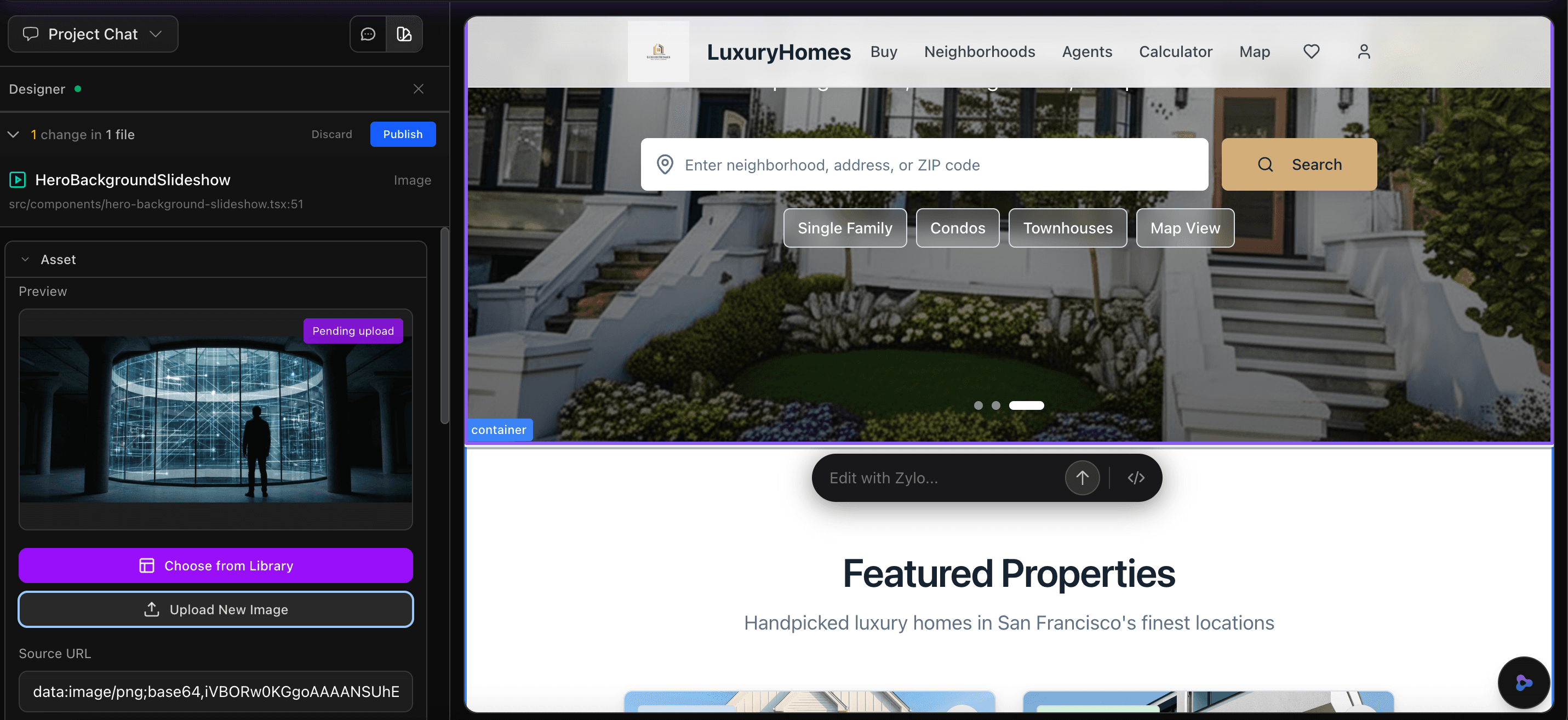
Your app is generated
React + Next.js frontend, Node.js backend, PostgreSQL database — real production code, not a template.
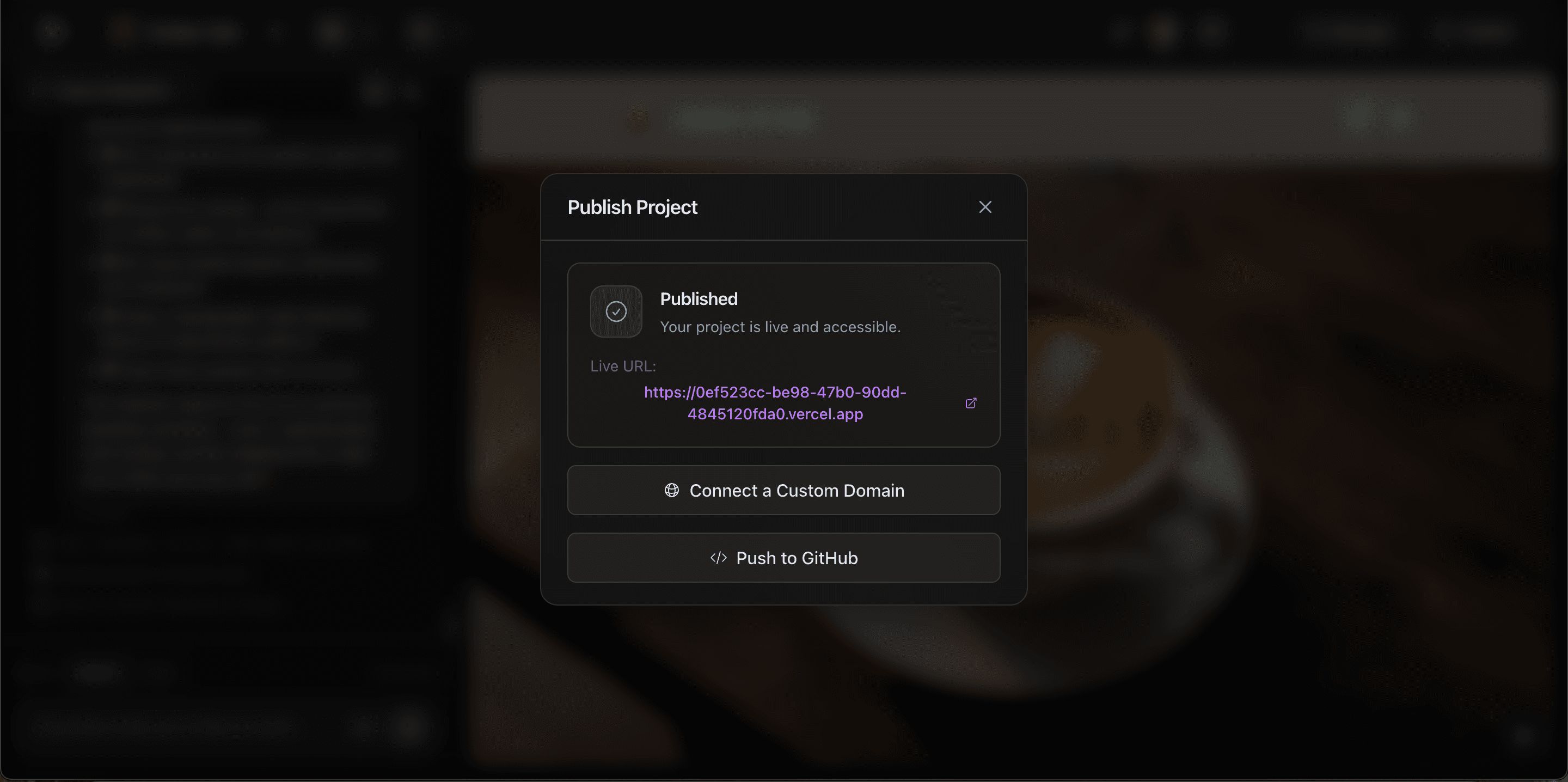
Zylo deploys it to Vercel
When you publish, Zylo deploys your app to Vercel and gives you a live URL.
You describe it in Zylo Studio
Tell the AI what you want — chat, attach images, iterate. The studio is your interface to everything.
Phoenix builds it
A dedicated sandbox VM spins up, plans the architecture, writes code, installs dependencies, and auto-repairs any errors.
Your app is generated
React + Next.js frontend, Node.js backend, PostgreSQL database — real production code, not a template.
Zylo deploys it to Vercel
When you publish, Zylo deploys your app to Vercel and gives you a live URL.
Ready to build something?
Describe your app. Watch it get built. Ship it live. All in minutes.