
Zylo Integrations
Payments, authentication, database, file storage, GitHub, and AI services — all included or one prompt away. You don't configure anything. The agent handles it.

Open settings
Enable services
Agent writes the code
Your app is connected
Included with every app
Built-in from day one
No API keys, no third-party accounts, no setup. These services are ready the moment you create a project.
Authentication
Email/password, magic links, and social login — all pre-configured with Row Level Security so every user only sees their own data.
Database
A real PostgreSQL database provisioned, connected, and secured automatically for every project. No setup, no connection strings.
Stripe payments
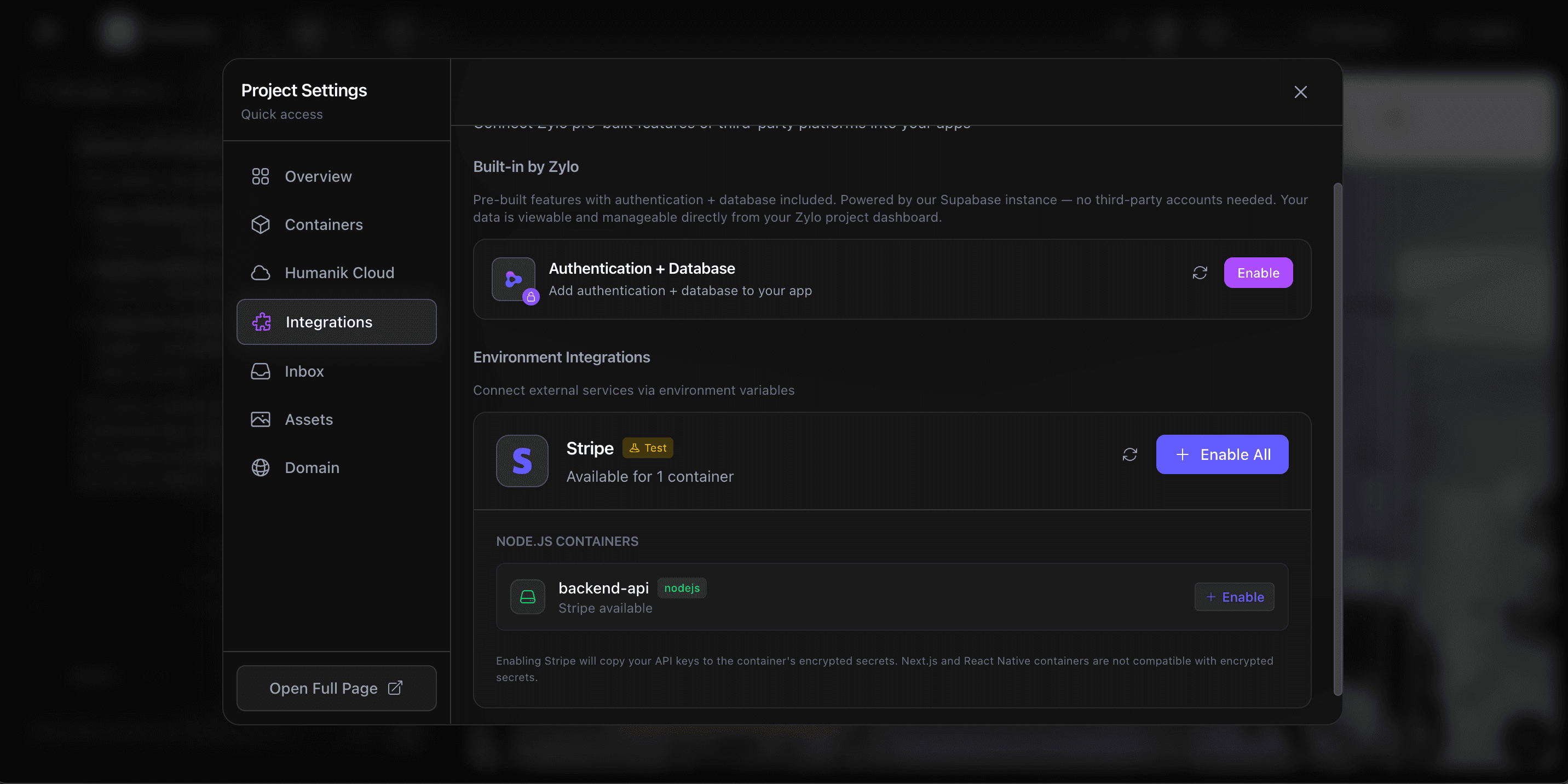
Accept payments, manage subscriptions, and handle checkout flows. One click to enable — the agent writes all the Stripe code for you.
File storage
Upload images, documents, and files. Storage buckets with access policies are configured per project, ready to use immediately.
Zero configuration
One click to enable, zero code to write
Open Project Settings, go to Integrations, and click Enable. That's it. Authentication and database are powered by Supabase — provisioned, connected, and secured automatically. Stripe is ready with one toggle.
The agent generates all the code your app needs: login flows, database queries, payment checkout — everything wired up and working in a single build.
Version control
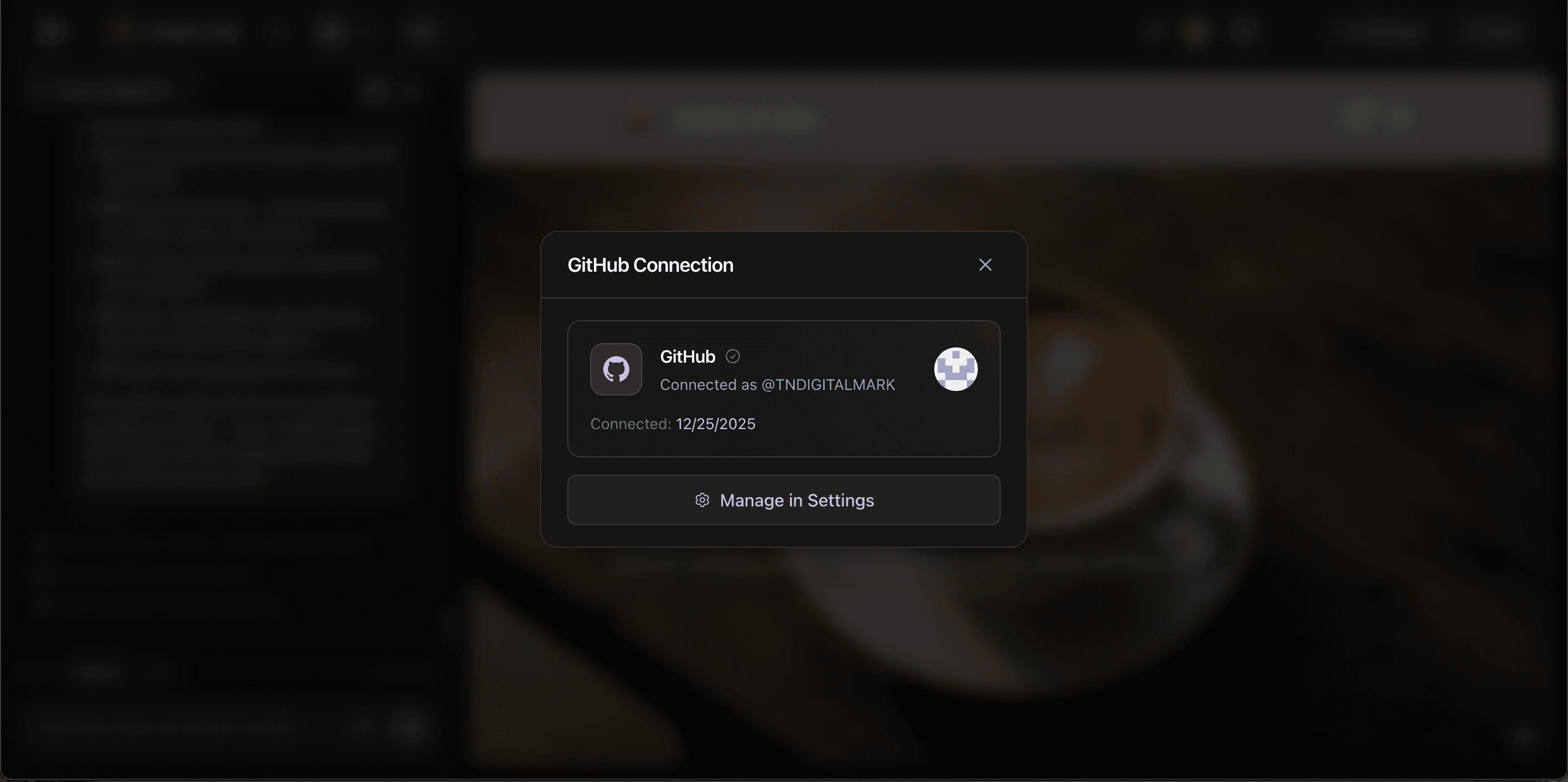
Connect GitHub and own your code
Link your GitHub account in seconds. Export your entire project to a repo, sync changes, and manage version control — all from inside Zylo.
Your code is yours. No lock-in. Push to GitHub anytime and take your project wherever you want.
Any API, any service
Just say what you need. The agent connects it.
Need OpenAI for a chatbot? SendGrid for email? A custom REST API for your business? Just describe it in the chat. The AI agent writes the connection code, handles authentication, manages API keys securely, and tests the integration — all in one build cycle.
You're not limited to a marketplace of pre-built plugins. If a service has an API, Zylo can connect to it.
Encrypted secrets
Manage environment variables per container
Every container in your project has its own set of encrypted environment variables. API keys, database URLs, third-party tokens — all stored securely with envelope encryption. The AI agent configures common variables automatically, and you can add or edit your own from the project settings panel.
- Envelope encryption for all stored secrets
- Per-container isolation — frontend and backend have separate configs
- AI auto-configures common variables (database URLs, API keys)
- Edit variables anytime from project settings
Version control
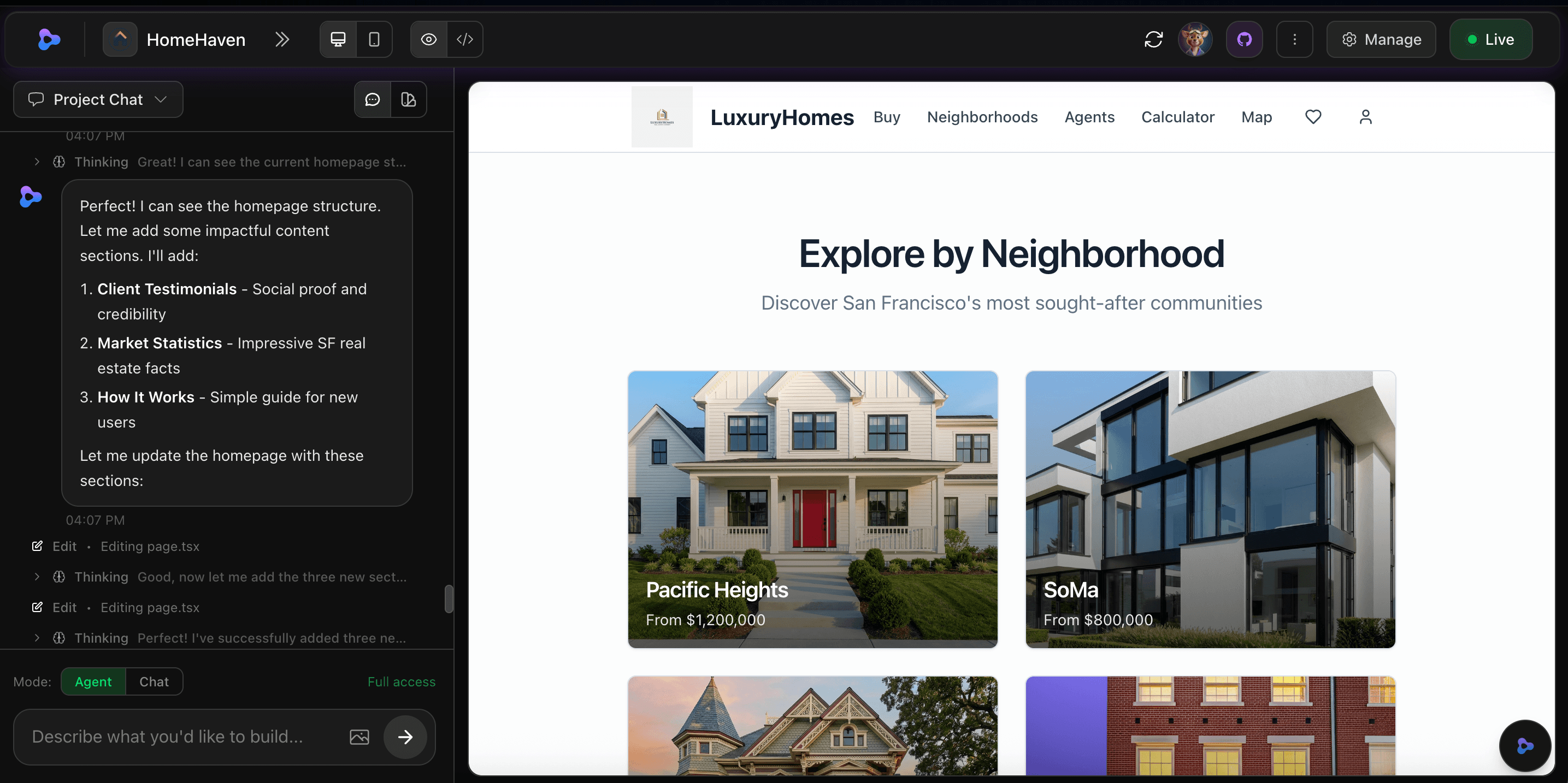
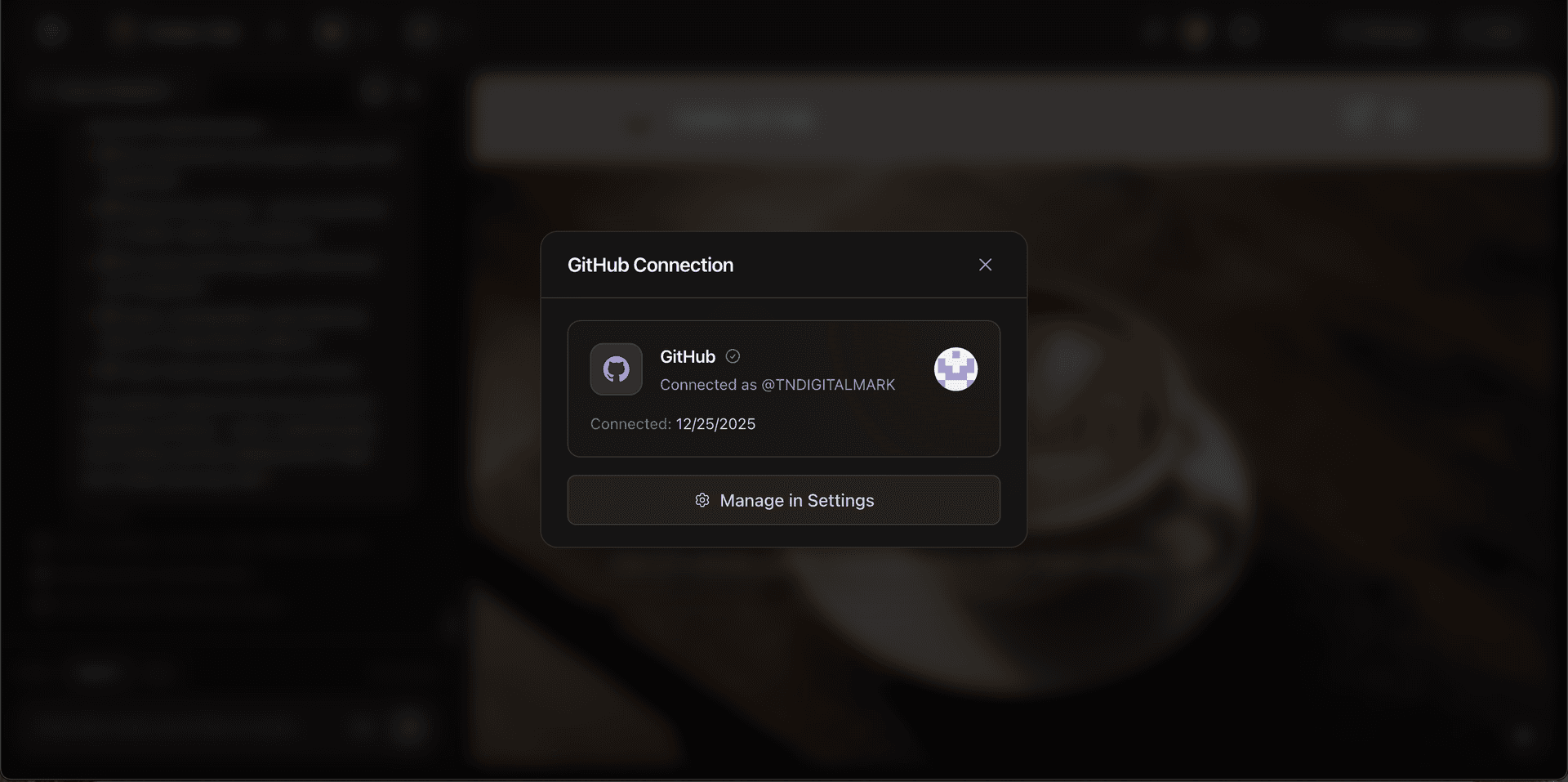
Connect your GitHub in one click
Link your GitHub account via OAuth and push any Zylo project to your own repositories. Each container can connect to a separate GitHub repo — use AI-generated code alongside your existing codebase. Every change the AI makes is a real Git commit you can review, revert, or branch from.
- One-click GitHub OAuth connection
- Push to your own repos or use Zylo-managed Git
- Per-container GitHub repo linking
- Every AI change is a real, reviewable Git commit
Third-party integrations
Tell the agent. It connects the service.
Not limited to a plugin marketplace — the AI agent can integrate any service with an API. Here are some of the most popular.
AI services
OpenAI
GPT and DALL-E for text generation, content creation, image generation, and intelligent assistants.
Anthropic
Claude models for natural language understanding, content generation, and conversational interfaces.
Custom AI APIs
Any AI service with a REST API — describe what you want and the agent handles the integration.
Communication & email
SendGrid
Transactional emails, marketing campaigns, and automated notifications to your users.
Twilio
SMS notifications, verification codes, and two-factor authentication through text messaging.
Slack
Real-time alerts and notifications from your app directly to team channels.
Workspace & productivity
Google Calendar
View, create, and manage events and schedules directly from your app.
Google Sheets
Spreadsheet functionality for data tracking, calculations, and reporting.
Dropbox
File storage, sharing, and syncing capabilities within your application.
Analytics & tracking
Google Analytics
Monitor page views, user behavior, conversions, and other key metrics.
Custom analytics
Connect Mixpanel, PostHog, or any analytics service through the agent.
How integrations work in Zylo
One-click enable
Toggle integrations on from Project Settings — no configuration files or boilerplate.
Secure credentials
API keys stored as encrypted environment variables, never exposed in client code.
Agent-powered setup
Describe what you need in plain English and the agent writes all the integration code.
Any REST or GraphQL API
Not limited to a marketplace — the agent can connect your app to any API that exists.
Auto-configured
Auth, database, and storage are ready the moment you create a project. Zero setup.
Works across servers
Integrations connect to your Next.js frontend and Node.js backend simultaneously, with per-container isolation ensuring each service has its own configuration.
What people are saying
“Stripe was working in my app within minutes. I didn't touch a single line of code.”
Marcus Rivera
“The fact that auth and database are just there, ready to go — that alone saved me weeks of backend work.”
Priya Sharma
“I told the agent to connect OpenAI for a chatbot and it had everything wired up in one build cycle. Incredible.”
Tom Nguyen
“Stripe was working in my app within minutes. I didn't touch a single line of code.”
Marcus Rivera
“The fact that auth and database are just there, ready to go — that alone saved me weeks of backend work.”
Priya Sharma
“I told the agent to connect OpenAI for a chatbot and it had everything wired up in one build cycle. Incredible.”
Tom Nguyen
“Stripe was working in my app within minutes. I didn't touch a single line of code.”
Marcus Rivera
“The fact that auth and database are just there, ready to go — that alone saved me weeks of backend work.”
Priya Sharma
“I told the agent to connect OpenAI for a chatbot and it had everything wired up in one build cycle. Incredible.”
Tom Nguyen
Frequently asked questions
What integrations does Zylo include out of the box?
Every Zylo app comes with authentication (email, magic link, OAuth), a PostgreSQL database, file storage, and Stripe payment processing — all pre-configured and ready to use with one click.
Do I need to write code to add integrations?
No. Just describe what you need — like "add Stripe checkout" or "connect to OpenAI" — and the AI agent writes all the integration code, manages credentials, and connects everything automatically.
Can I connect my GitHub account to Zylo?
Yes. Connect your GitHub account to export projects, sync repos, and manage version control directly from your Zylo workspace.
What AI services can I integrate?
Zylo supports OpenAI (GPT, DALL-E), Anthropic (Claude), and other AI services. The agent can integrate any AI API — just describe the feature you want and it handles the connection.
Can Zylo integrate with any API?
Yes. The AI agent can integrate any REST or GraphQL API. Describe the service you need and the agent writes the connection code, handles authentication, and manages API keys securely.
Are my API keys and credentials secure?
All API keys and secrets are stored as encrypted environment variables, never exposed in client-side code. Credentials are injected securely at runtime.
Stop configuring. Start building.
Payments, auth, database, AI, email — describe what your app needs and the agent connects it all.
Start building free